Hey! Did you know the Internet is so broken that even a locally saved copy of something can be unreadable without a bunch of annoying "tinkering"? 'Cause it fuckin' is.
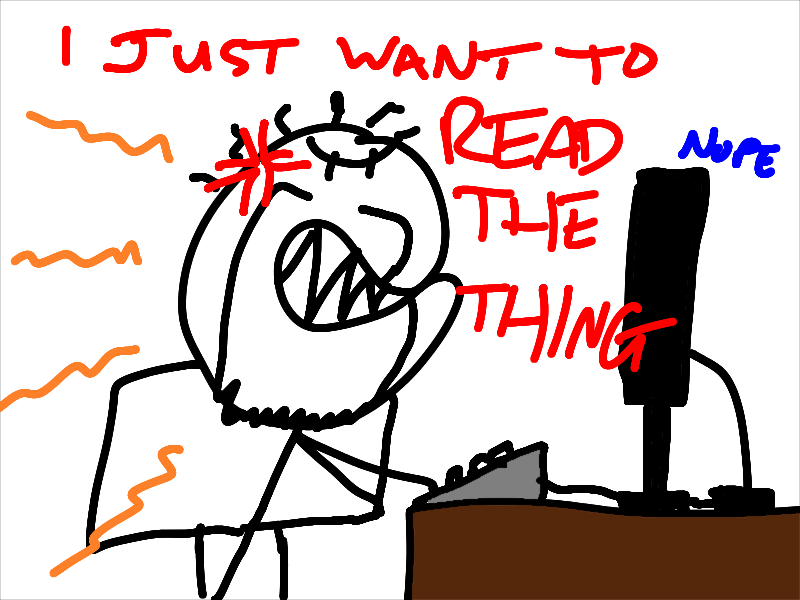
Prior to USgamer's closure in 2020, I backed up most of my articles that I could find and/or remember. I saved them as local copies on my computer, with the intention of gradually republishing at least some of them on MoeGamer — a process I started but still need to get back to. (Some of these articles found their way over to VG247, but they're buried in an archive and not exactly what I'd call "easily accessible" today, so I have absolutely no qualms in taking these pieces and republishing them myself.)
Anyway, after my enforced reinstall of Windows a little while ago, it suddenly occurred to me that I might have lost these locally saved archives. Thankfully, I had apparently had the foresight to back them up to my Google Drive (I know I should get off Google, I know) and thus I was able to recover them. After extracting them to my Documents folder, I thought I'd have a browse through a few to remind myself of what I'd written back then.
The first one I attempted to open — a review of Imageepoch's Time and Eternity, a game which I liked but none of the rest of the Internet did — opened for a split-second before automatically redirecting to some website I'd never heard of: "spl.zeotap.com", which is apparently an "AI-powered Customer Data Platform that helps enterprises unlock the true value of their customer data". Of course it's a fucking AI thing now — though I don't know what it was back in 2020 when I archived these pages. Whatever it was, it is broken, because every time I open certain articles from my locally saved archive, they immediately redirect to part of "ZeoTap"'s website that no longer exists, with no way of telling the browser to go "Back" and just look at the fucking page I was trying to look at in the first place.
Thankfully, this isn't the case for everything in the archive — and I've determined that you can tell which ones will fail by the file size of the main article HTML file — and I also found a workaround using Firefox's Developer Tools. Unfortunately it's not a workaround I can just apply globally; I have to do it every time I open one of these bastard articles. So for the sake of my future self, I'm going to recount the process here, just in case:
- Open a new tab
- Open the Developer Tools console
- Go to the Network tab of Developer Tools
- Drag the problematic HTML file into the browser window
- Scroll through the stuff in the Network tab that appears until you find the problematic ZeoTap URL request
- Right click on it and choose "Block URL"
- Drag the HTML file into the browser window again
- The article should now appear, and you can close Developer Tools to read it
- You have to repeat this process each time you open a new tab or browser window
This is fucking annoying though, isn't it? I would have thought that the entire point of saving a web page locally would be so that you could, you know, look at it locally without having to be online — or, indeed, dependent on URLs that no longer resolve correctly. But apparently at some point in USgamer's history, certain pages on its site became so dependent on whatever the fuck this ZeoTap thing is that it became impossible to just look at the damned pages. And that dependency is somehow maintained when you save the page for offline viewing.
Well, you might think, surely it's just a matter of looking at the page source, searching for that troublesome URL and removing the bit of the HTML file that references it? You'd think, wouldn't you?! But there are so many fucking Javascript files, so many CSS files, so many external HTML files that are loaded when just looking at one sodding page, which, I'll remind you, is saved locally, that it's impossible to track down which one of these myriad dependencies is causing the problem!
I remember a while back, someone posted on Bluesky that they looked at a page on somewhere like PC Gamer, and before the article had appeared the browser had downloaded something like 20MB of… stuff to their computer. I think back to the good old, bad old days of dial-up, when downloading a single megabyte of anything took upwards of an hour at the best of times, and wonder exactly how we let the Web become such an unwieldy mess.
(Ads and tracking is the answer, of course. But you knew that.)
Anyway, thankfully I have at least found a workaround that appears to work for the articles that are affected, so I guess I will prioritise getting those pieces onto MoeGamer sooner rather than later!
Want to read my thoughts on various video games, visual novels and other popular culture things? Stop by MoeGamer.net, my site for all things fun where I am generally a lot more cheerful. And if you fancy watching some vids on classic games, drop by my YouTube channel.
If you want this nonsense in your inbox every day, please feel free to subscribe via email. Your email address won't be used for anything else.
Discover more from I'm Not Doctor Who
Subscribe to get the latest posts sent to your email.
